
Push notifications
Alerts on your phone or computer — set-up for Android, iPhone, Windows and Mac.
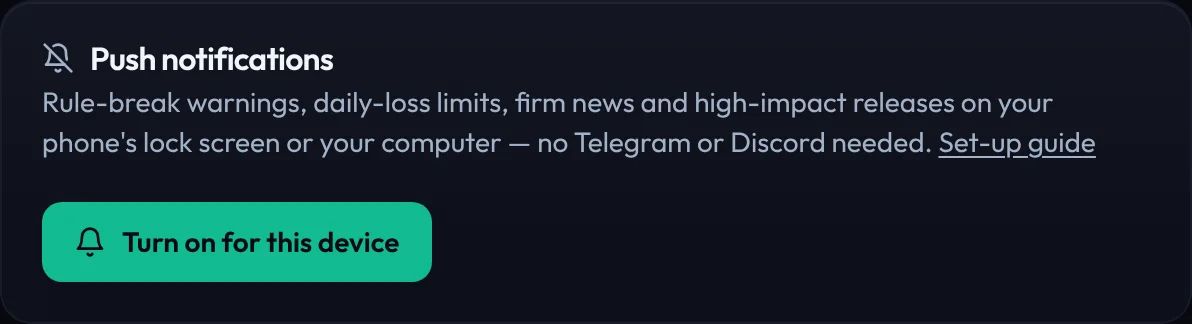
Push notifications put PropFundHub alerts on your phone's lock screen or your computer's notification centre — rule-break warnings, daily-loss limits, firm news and high-impact releases — without Telegram or Discord. They are free on every plan. You turn push on once per device, then choose which alerts you want.
Turn it on — Android, Windows, Mac (Chrome, Edge, Firefox, Safari)
- Open Settings → Integrations and find Push notifications. The dashboard also shows a Turn on card the first time.
- Press Turn on for this device.
- Your browser asks whether app.propfundhub.com may show notifications. Choose Allow.
- Press Send a test. A PropFundHub notification should arrive within a few seconds.
Turn it on — iPhone and iPad
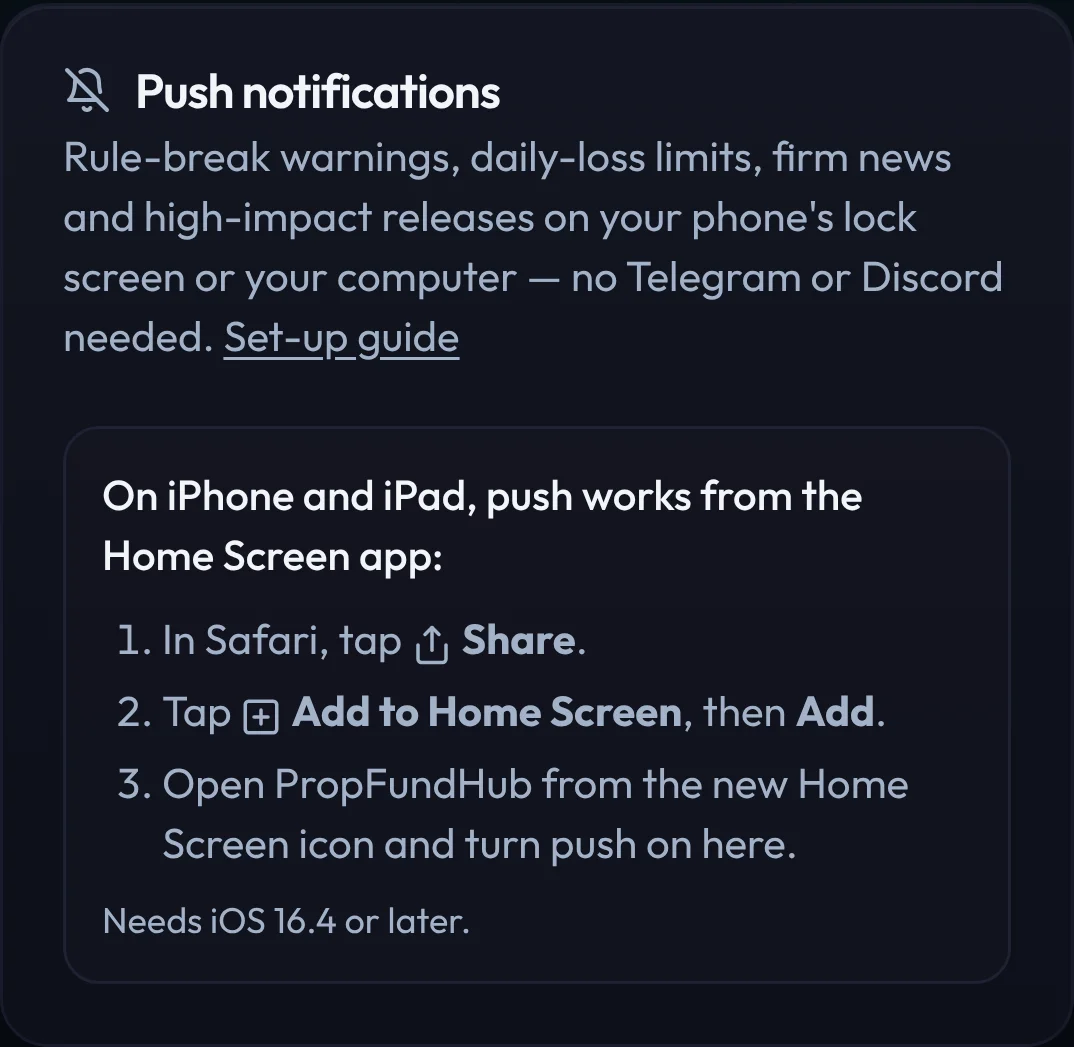
Apple only allows web push from apps added to the Home Screen (iOS / iPadOS 16.4 or later):
- Open app.propfundhub.com in Safari and sign in.
- Tap the Share button, then Add to Home Screen, then Add.
- Open PropFundHub from the new icon on your Home Screen (not from Safari).
- Go to Settings → Integrations → Push notifications, tap Turn on for this device, then Allow.
Choose what to get
Once push is on, the card lists six groups. Your choice applies to every device you turned push on for.
| Group | What it sends |
|---|---|
| Account risk | Rule-break warnings, daily-loss and drawdown limits, tilt and losing-streak protection, platform sync problems. |
| Firm news | Rule changes, shutdowns, payout problems and the daily brief for the firms you trade. |
| Economic calendar | High-impact releases an hour before, the morning digest, news-window warnings and reports. |
| End-of-day summary | One line per account you traded: the day's P&L, cushion above max loss and distance to target. Around 23:00 your time. |
| Reminders | Payout windows opening, your daily review, challenge renewals. |
| Support replies | When the support team answers your ticket. |
Alerts are only pushed when they are fresh (less than six hours old) and raised after you turned push on, so you never get a backlog of old alerts at once.
Troubleshooting
“Notifications are blocked for this site”
- Chrome / Edge: click the icon left of the address bar → Site settings → Notifications → Allow, then reload.
- Safari on Mac: Safari → Settings → Websites → Notifications → app.propfundhub.com → Allow.
- iPhone: Settings → Notifications → PropFundHub → Allow Notifications.
The test arrives but nothing else does
- Check the group is switched on in the card.
- Alerts follow your other settings: rule-break warnings need an account with its rules set, firm news needs the firms you trade.
- Phone focus modes and battery savers can hold notifications back.
New phone or browser
Push is per device. Turn it on again on the new one; the old device stops receiving once its browser drops the subscription.
- End-of-Day Summary
One line per account after each day you trade: P&L, cushion above max loss, distance to target. Free.
- Push Notifications
Rule-break, daily-loss, firm news and calendar alerts on your phone or computer's lock screen. Free.